How To Manage Your Account
If you don't have an account create one.
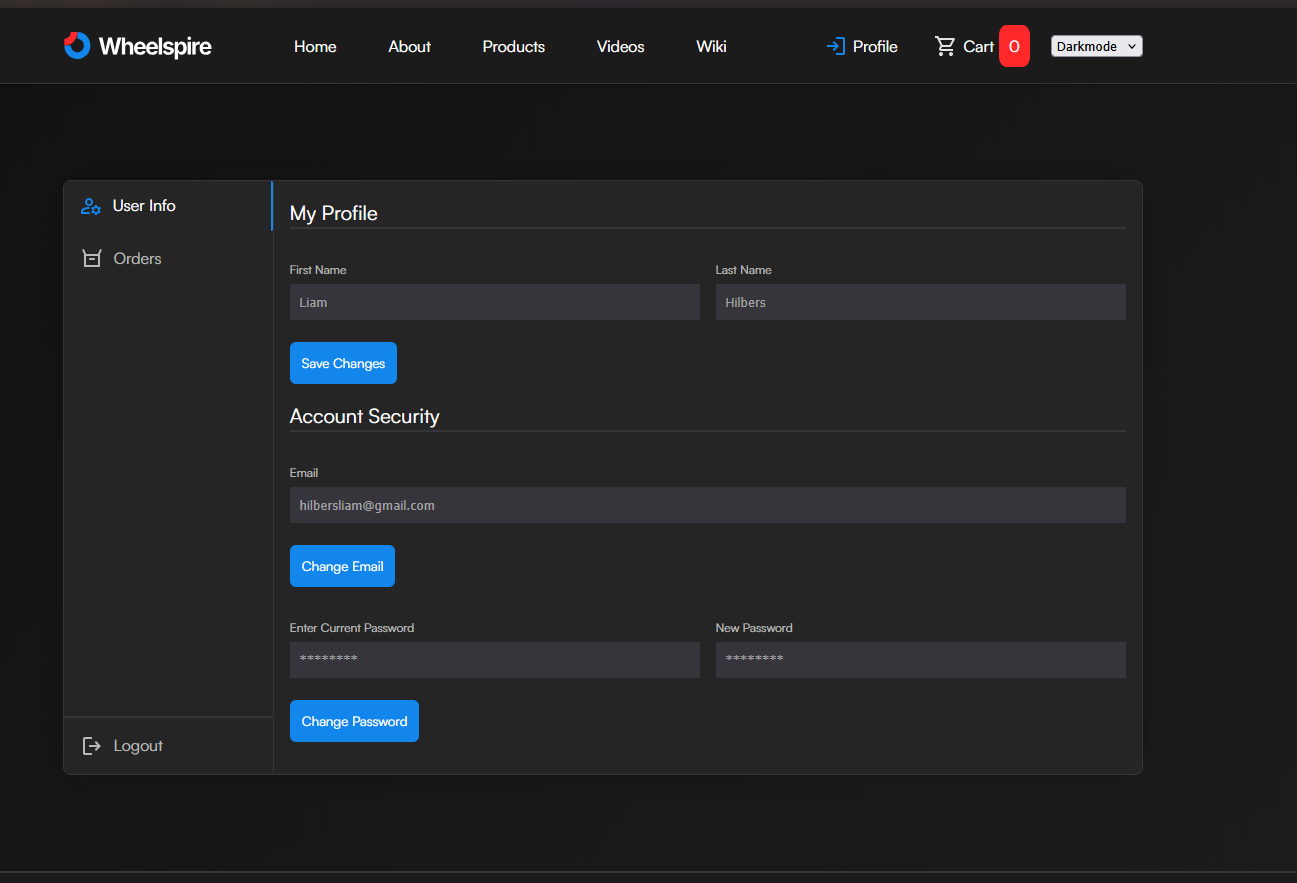
Step 1: Editing Your Details
Navigate to your profile section. Here you can change your first name, last name, email or even your password. You can change your name, email or password at anytime. The email has to be a unique email and it can't already be taken by another user.
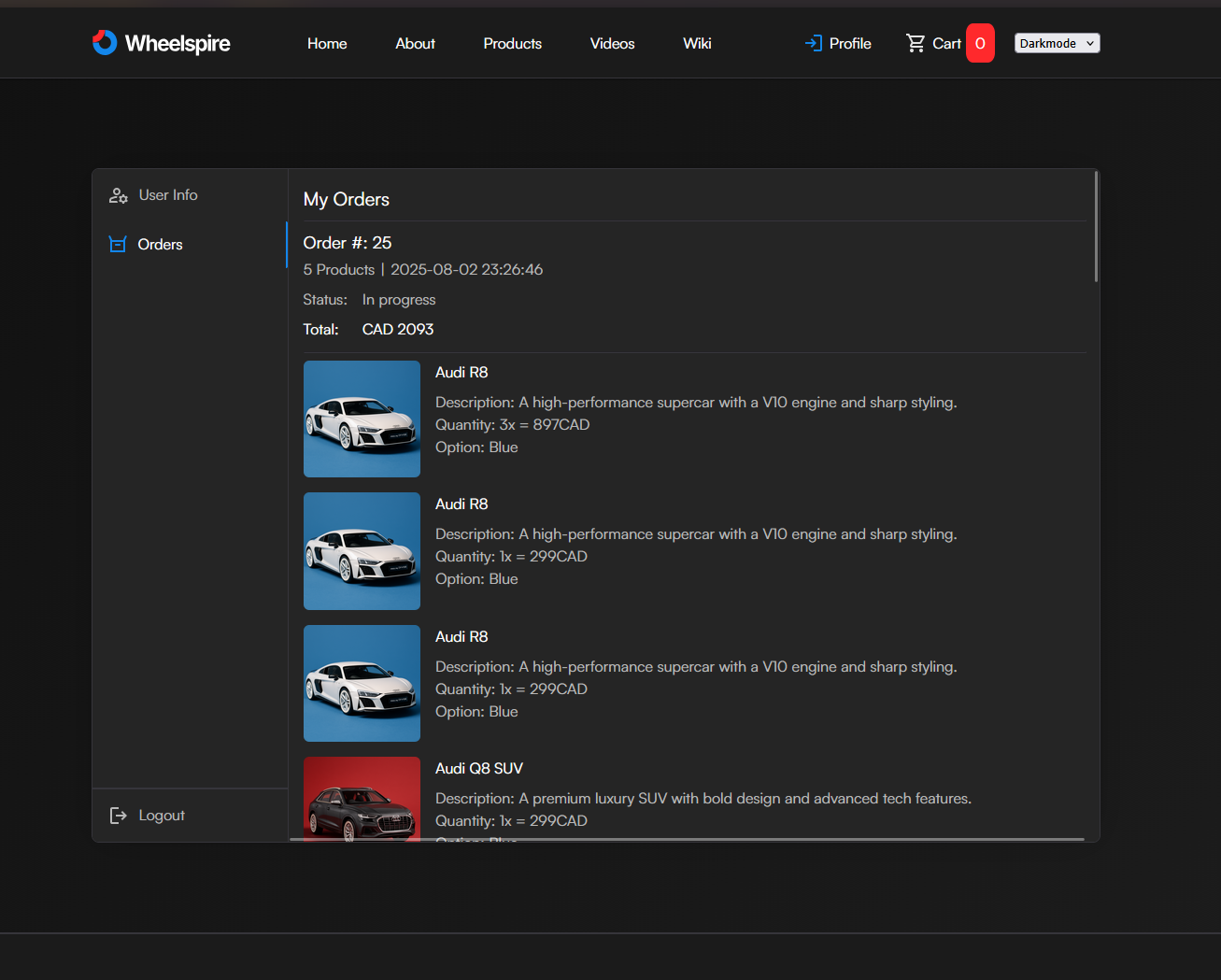
Step 2: Viewing Your Orders
Once you've placed an order you can view it in your Profile -> My Orders page. If you don't know how to place an order, follow this guide.